Astroworld
Create Above and Beyond server facts
| Edition | Version | Minecraft | Loader | Mods | On the server | Server pack |
|---|---|---|---|---|---|---|
| Create: Above and Beyond | 1.3 | 1.16.5 | Forge 36.2.20 | 136 | 136 | Yes |
| CABIN | 2.1.7 | 1.20.1 | Forge 47.4.10 | 174 | 157 | Yes |
Made by simibubi. Mods counted in the release files on 27 September 2026; mods that only run on a player's computer are not loaded by the server.
What is in Create: Above and Beyond
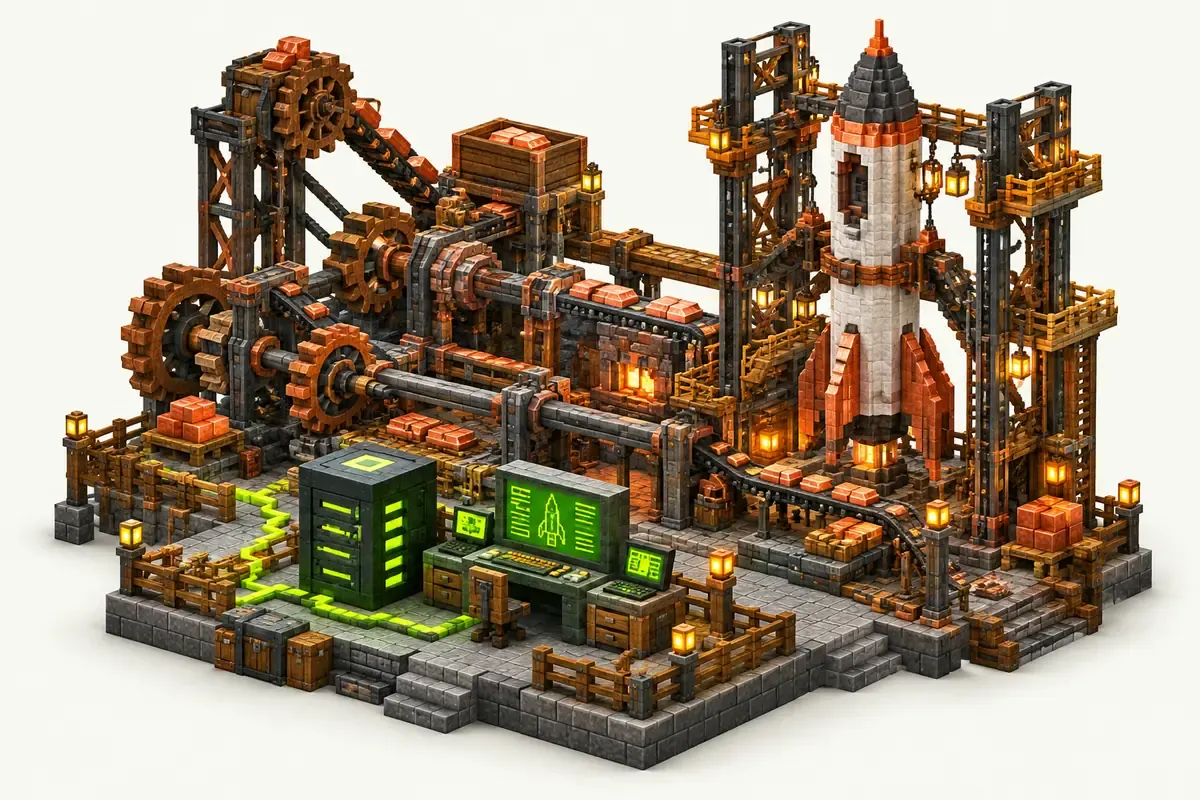
CAB is built around Create. Each chapter of the quest book unlocks a new type of machine, and the last chapters lead to Advanced Rocketry.
| Edition | Minecraft | Mods | Space travel |
|---|---|---|---|
| Create: Above and Beyond 1.3 | 1.16.5, Forge | 136 | Advanced Rocketry |
| CABIN 2.1.7 | 1.20.1, Forge | 174 | Ad Astra |
Thermal Expansion, Tinkers' Construct, Applied Energistics 2 and Project Red are part of the same recipe chain in CAB. CABIN stands for Create Above and Beyond In Newer and keeps the route on a newer Minecraft version.
Create: Above and Beyond server tips
- CAB and CABIN are separate packs. A CAB world cannot be opened in CABIN.
- CAB runs on Java 8, CABIN on Java 17. The panel sets the right one with the pack.
- Large Create contraptions run on the server for every player. Keep long trains and big rotating builds in force loaded chunks only when they need to run.
Read Fabric, Forge or NeoForge for more on the loaders.
How to install Create Above and Beyond on your server
- Order a Forge server below. Any Minecraft version is fine; the installer sets 1.16.5.
- In the control panel, open the Mods tab and go to CurseForge and FTB packs.
- Search for Create Above and Beyond, pick the version and click Install this pack.
- Start the server in the Console tab. The first start of Create Above and Beyond takes a few minutes; wait for
Done. - Players install the same Create Above and Beyond version in their launcher and join with the server address.
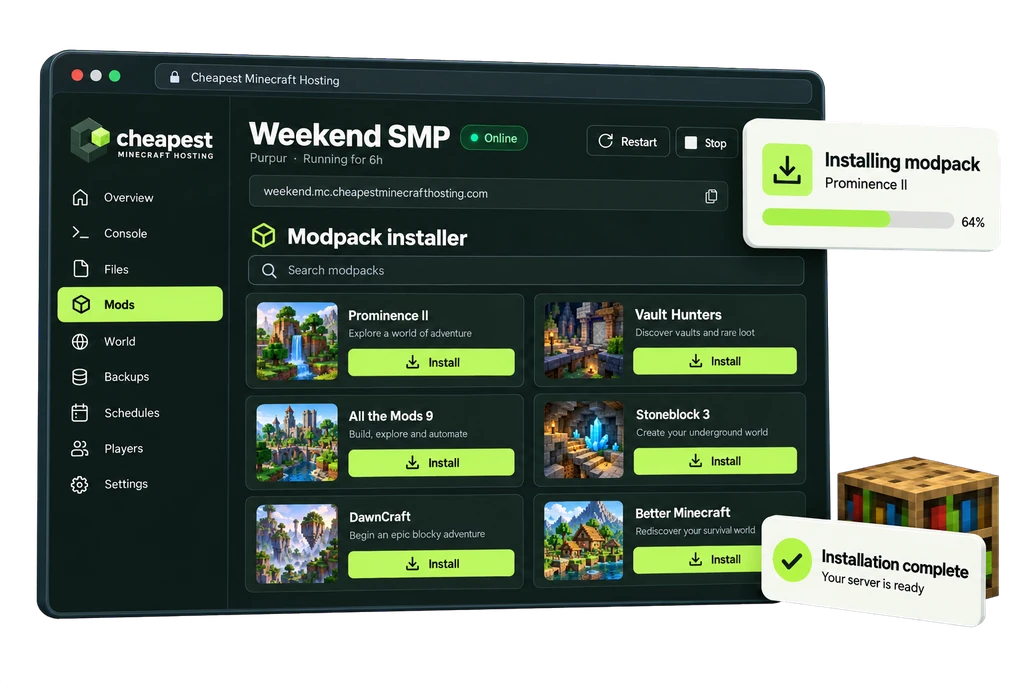
The full walkthrough with screenshots is in how to install a modpack.
Create Above and Beyond server RAM requirements
Create contraptions and trains are the main load on a CAB server. A modest plan carries a group well until the factories get large.
| Players online | RAM | vCPU | NVMe storage | Price a month | Order |
|---|---|---|---|---|---|
| 1 to 3 players | 5 GB | 2 | 25 GB | €4.00 | 5 GB Create Above and Beyond server |
| 4 to 8 players | 6 GB | 2 | 30 GB | €4.80 | 6 GB Create Above and Beyond server |
| 9 to 16 players | 8 GB | 2 | 40 GB | €6.40 | 8 GB Create Above and Beyond server |
Every size costs €0.80 per GB of RAM a month. See how much RAM a Minecraft server needs for the rule behind these numbers.
Questions about Create Above and Beyond server hosting
Should we play CAB or CABIN?
CAB is the original on 1.16.5 and is complete. CABIN rebuilds the same route on 1.20.1 with newer Create versions. Pick CABIN for a new world and CAB if the group wants the original.
Does CAB have client only mods?
No. All 136 mods in CAB 1.3 load on the server as well as on the players' computers.
Is 5 GB enough for Create: Above and Beyond?
For one to three players, yes. Go to 6 GB for a group of up to eight and to 8 GB for a bigger server.
Written by the Cheapest Minecraft Hosting team, first published , updated .