
 Astroworld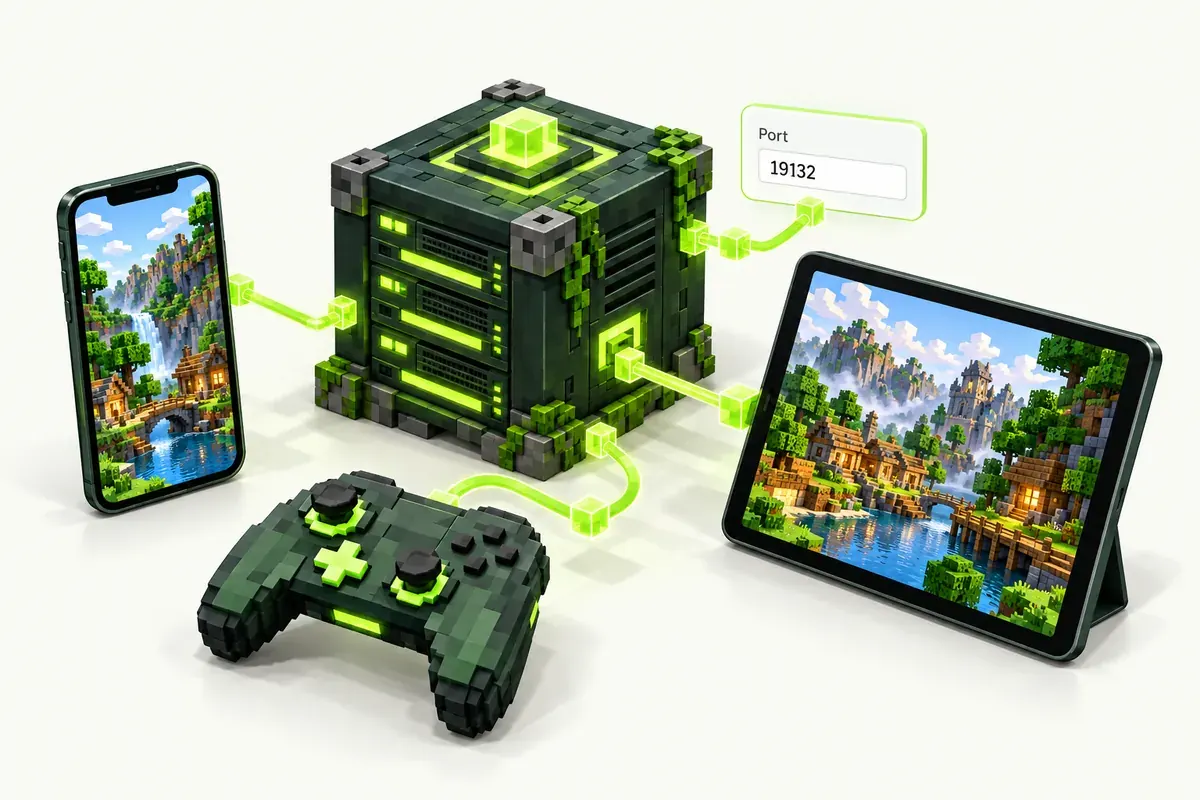
How Bedrock players join
Bedrock Edition asks for an address and a port in separate fields. Both are in the control panel, on the overview of your server.
- Open Minecraft on the phone, tablet or Windows and tap Play.
- Go to the Servers tab and tap Add Server.
- Type a name, the server address and the Bedrock port from the panel.
- Tap Save, then tap the server to join.
Use the Bedrock port from the panel. The usual Bedrock port 19132 does not lead to your server here.
On Xbox, PlayStation and Switch the Servers tab only lists featured servers. Java and Bedrock crossplay explains the workarounds for console players.
What runs on this Bedrock server
The server runs Paper, the plugin server for Java Edition, with Geyser and Floodgate. Geyser translates between Bedrock and Java, Floodgate lets Bedrock players in with their Microsoft account, without a Java account.
| This Bedrock server | |
|---|---|
| Bedrock players on every device | Yes |
| Java players in the same world | Yes |
| Plugins such as LuckPerms, EssentialsX, claims | Yes |
| Bedrock add-ons and behaviour packs | No, use plugins instead |
| Newest Bedrock version | Yes, Geyser follows Bedrock updates |
More about the edition choice in Java or Bedrock server.
Manage a Bedrock server
- Whitelist and op: add Bedrock players by gamertag in the Players tab
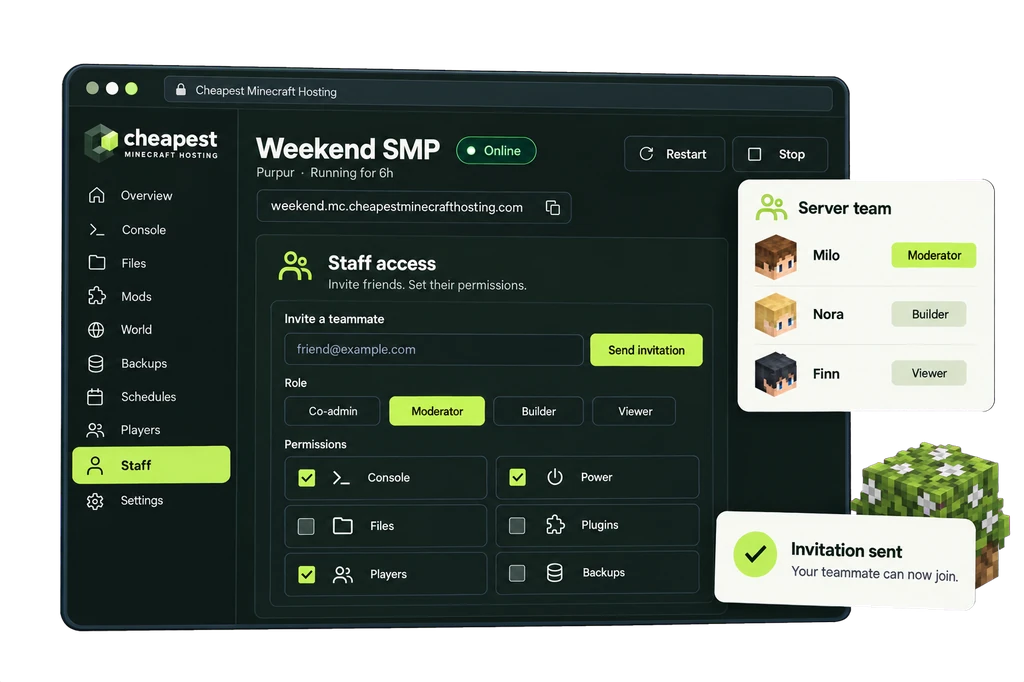
- Staff: give moderators their own login with only the permissions they need
- Discord: post crashes, restarts and backups to a Discord channel
- Backups: one backup on every plan, automatic backups as an extra
See whitelist and operators and give someone access to your server.
RAM for a Bedrock server
Count about 2 GB for the server and 1 GB for every 4 players, more with many plugins.
| Bedrock server | Players online | RAM | Price a month |
|---|---|---|---|
| Family or a few friends | Up to 3 | 2 GB | €1.60 |
| Group of friends | Up to 8 | 4 GB | €3.20 |
| Bedrock SMP with plugins | Up to 15 | 8 GB | €6.40 |
Bedrock server hosting prices per GB of RAM
Every plan costs €0.80 per GB of RAM a month, with 10 to 20% off on a longer term. The vCPU and the NVMe storage grow with the memory.
| RAM | vCPU | NVMe storage | Price a month | Order |
|---|---|---|---|---|
| 2 GB | 1 | 10 GB | €1.60 | 2 GB Bedrock server |
| 4 GB | 1 | 20 GB | €3.20 | 4 GB Bedrock server |
| 8 GB | 2 | 40 GB | €6.40 | 8 GB Bedrock server |
| 12 GB | 2 | 60 GB | €9.60 | 12 GB Bedrock server |
| 16 GB | 3 | 80 GB | €12.80 | 16 GB Bedrock server |
| 24 GB | 3 | 120 GB | €19.20 | 24 GB Bedrock server |
| 32 GB | 4 | 160 GB | €25.60 | 32 GB Bedrock server |
Questions about Bedrock server hosting
Can Xbox, PlayStation and Switch players join?
Yes. Consoles do not have an Add Server button, so they join with a workaround described in Java and Bedrock crossplay.
Do Bedrock players need a Java account?
No. Floodgate lets them in with their Microsoft account and gamertag.
Why can't I use port 19132?
Every server on our machines has its own Bedrock port. Geyser is set to that port for you; changing it to 19132 locks Bedrock players out.
Can I use Bedrock add-ons or marketplace worlds?
No. The server runs Java plugins. Most add-on features, such as homes, ranks and claims, exist as plugins in the catalog.
Written by the Cheapest Minecraft Hosting team, first published , updated .