Astroworld
Prominence II server facts
| Edition | Version | Minecraft | Loader | Mods | On the server | Server pack |
|---|---|---|---|---|---|---|
| Prominence II | 4.1.1 | 1.20.1 | Fabric 0.19.3 | 443 | 359 | No |
Made by ElocinDev. Mods counted in the release files on 27 September 2026; mods that only run on a player's computer are not loaded by the server.
What is in the Prominence II modpack
Prominence II by ElocinDev is an RPG pack on Fabric. 84 of its mods only run on the player's computer, more than in any other pack we counted.
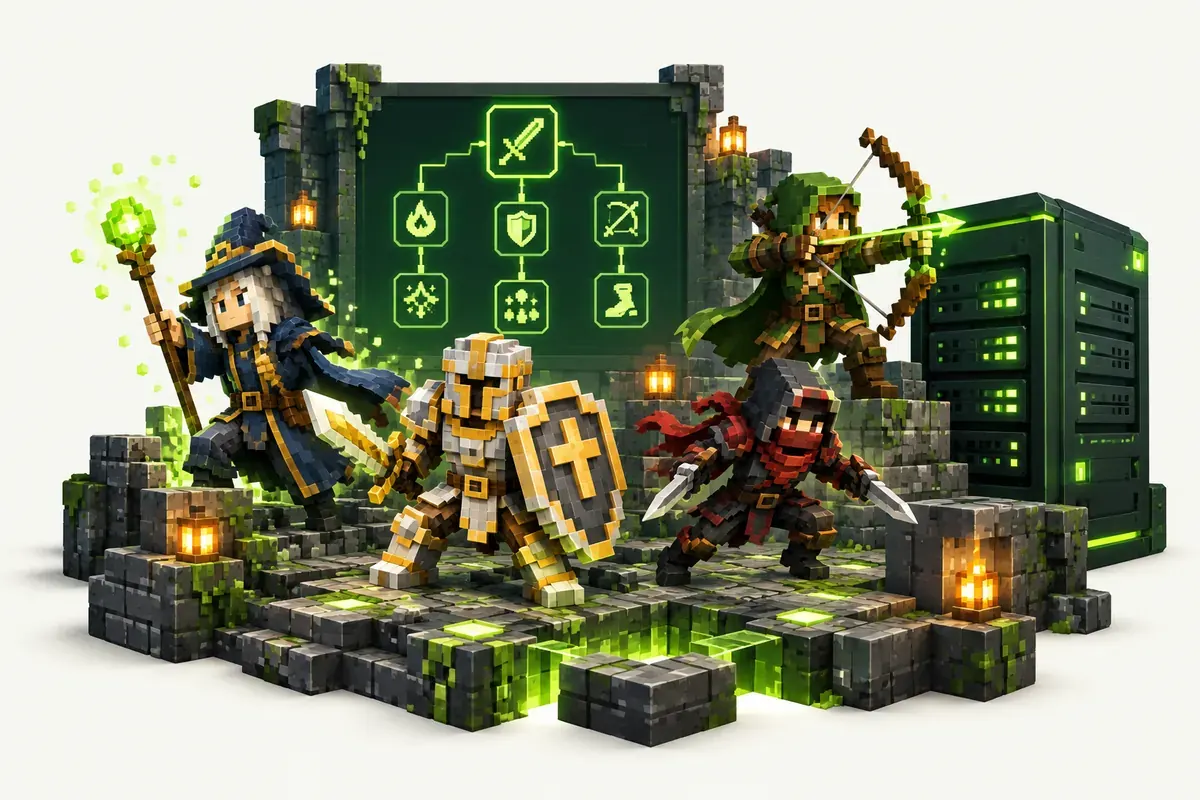
- Classes: Spell Engine with Wizards, Paladins, Rogues and Archers
- Combat: Better Combat
- Talent tree: Pufferfish's Skills
- Quests: FTB Quests
- Dungeons and bosses: Bosses of Mass Destruction, When Dungeons Arise and the YUNG's series
- Worlds: Regions Unexplored in the overworld, Better End in the End
- Claims and parties: Open Parties and Claims
Prominence II server pack and configs
The makers publish a server pack with most releases. When a release has none, the installer still places all server mods but not the pack's config files. You then have two options:
- Install version 4.1.0 in the Mods tab, which has a server pack with all configs, and update later when 4.1.1 gets one.
- Or install 4.1.1 and upload the
configfolder from your own Prominence II install in the Files tab before the first start.
Every player needs the same version as the server.
How to install Prominence II on your server
- Order a Fabric server below. Any Minecraft version is fine; the installer sets 1.20.1.
- In the control panel, open the Mods tab and go to CurseForge and FTB packs.
- Search for Prominence II, pick the version and click Install this pack.
- Start the server in the Console tab. The first start of Prominence II takes a few minutes; wait for
Done. - Players install the same Prominence II version in their launcher and join with the server address.
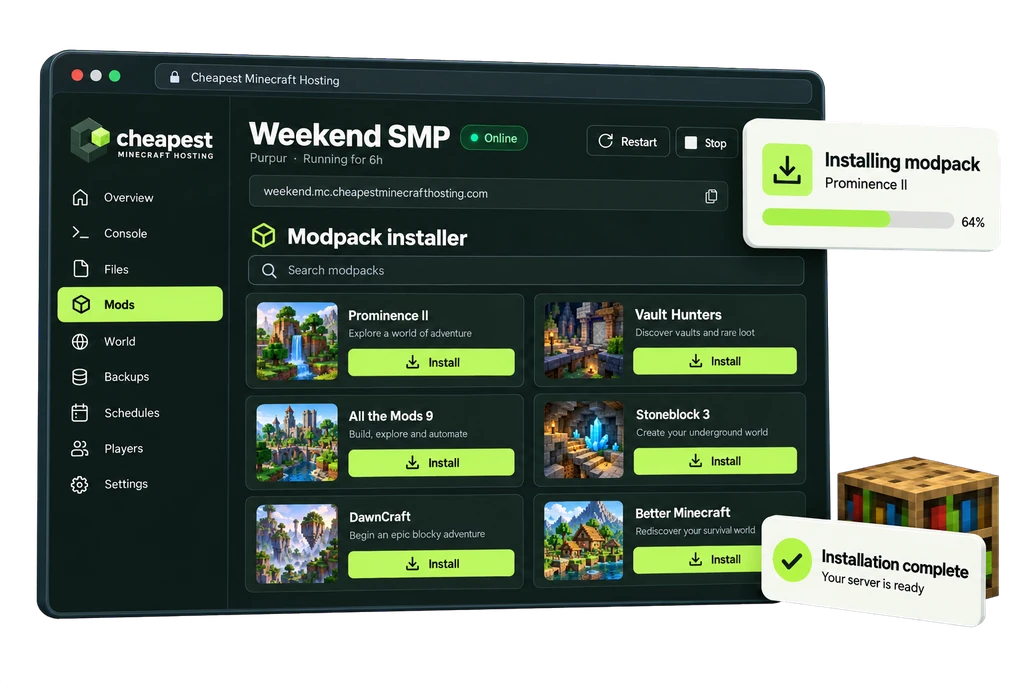
Prominence II has no server pack. The installer places the server mods; upload the config folder from your own install in the Files tab before the first start.
The full walkthrough with screenshots is in how to install a modpack.
Prominence II server RAM requirements
Boss fights with several players and many spell effects are the busiest moments on a Prominence II server.
| Players online | RAM | vCPU | NVMe storage | Price a month | Order |
|---|---|---|---|---|---|
| 1 to 3 players | 7 GB | 2 | 35 GB | €5.60 | 7 GB Prominence II server |
| 4 to 8 players | 9 GB | 2 | 45 GB | €7.20 | 9 GB Prominence II server |
| 9 to 16 players | 12 GB | 2 | 60 GB | €9.60 | 12 GB Prominence II server |
Every size costs €0.80 per GB of RAM a month. See how much RAM a Minecraft server needs for the rule behind these numbers.
Questions about Prominence II server hosting
Is Prominence II on Fabric or Forge?
Fabric, on Minecraft 1.20.1 with Fabric Loader 0.19.3. Forge mods do not work in it.
Why are the quests missing on my Prominence II server?
The release you installed has no server pack, so the configs did not come along. Install 4.1.0 or upload the config folder from your own install, then restart.
Is Prominence II good for a group?
Yes. Classes, parties and claims are made for multiplayer, and Open Parties and Claims lets a party share progress and protect its land.
Written by the Cheapest Minecraft Hosting team, first published , updated .