Astroworld
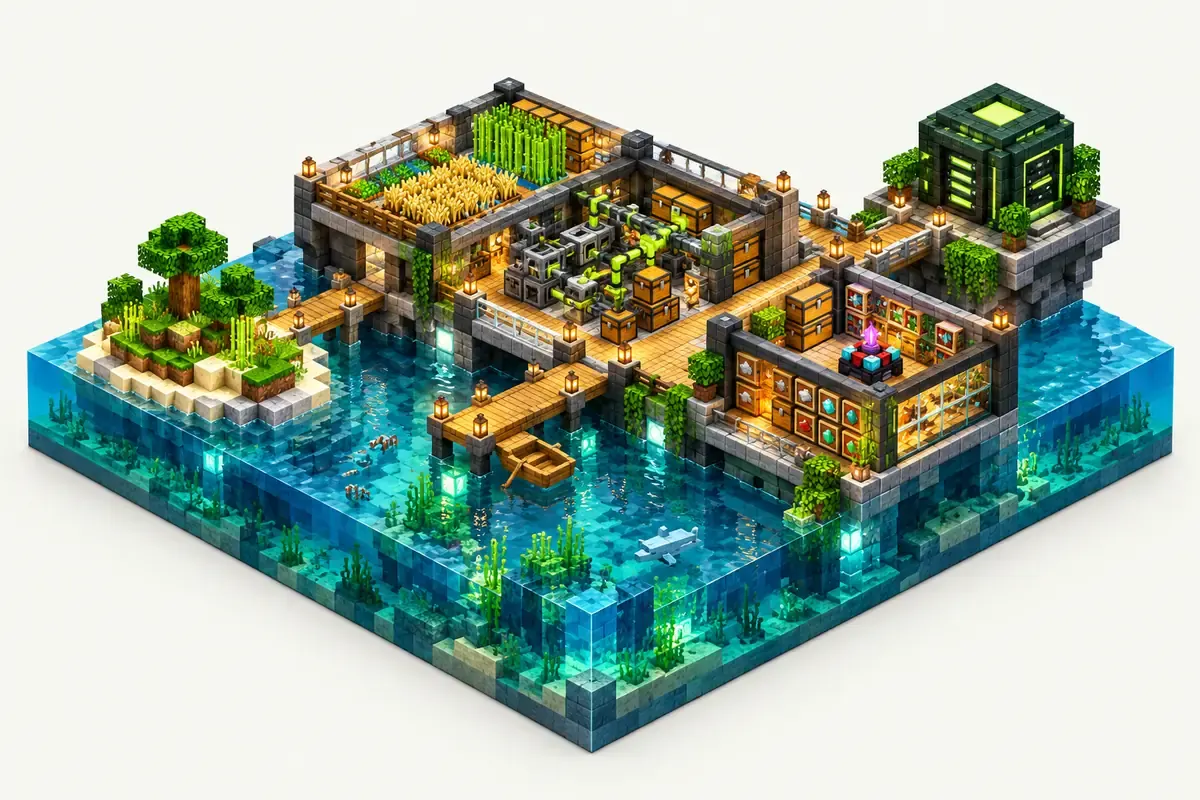
OceanBlock 2 server facts
| Edition | Version | Minecraft | Loader | Mods | On the server | Server pack |
|---|---|---|---|---|---|---|
| FTB OceanBlock 2 | 1.21.1 | 1.21.1 | NeoForge 21.1.248 | 309 | 281 | Yes |
Made by Feed The Beast. Mods counted in the release files on 27 September 2026; mods that only run on a player's computer are not loaded by the server.
What is in the OceanBlock 2 modpack
OceanBlock 2 from Feed The Beast starts you in the ocean. FTB Stuff and Things and FTB Ocean Mobs shape the first steps.
- Tech: Mekanism, Ender IO, Powah, Oritech, Just Dire Things, Extreme Reactors
- Storage: Applied Energistics 2 and Refined Storage
- Farming and magic: Mystical Agriculture, Ars Nouveau, Occultism
- Bases: FTB Team Bases and Compact Machines
OceanBlock 2 server tips
- Create a team in game per group. FTB Team Bases gives each team its own spot.
- Compact Machines let a base grow without spreading over the water. Each room adds load while loaded.
- The quest book shows the order of steps, so new players can follow it on their own.
How to install OceanBlock 2 on your server
- Order a NeoForge server below. Any Minecraft version is fine; the installer sets 1.21.1.
- In the control panel, open the Mods tab and go to CurseForge and FTB packs.
- Search for OceanBlock 2, pick the version and click Install this pack.
- Start the server in the Console tab. The first start of OceanBlock 2 takes a few minutes; wait for
Done. - Players install the same OceanBlock 2 version in their launcher and join with the server address.
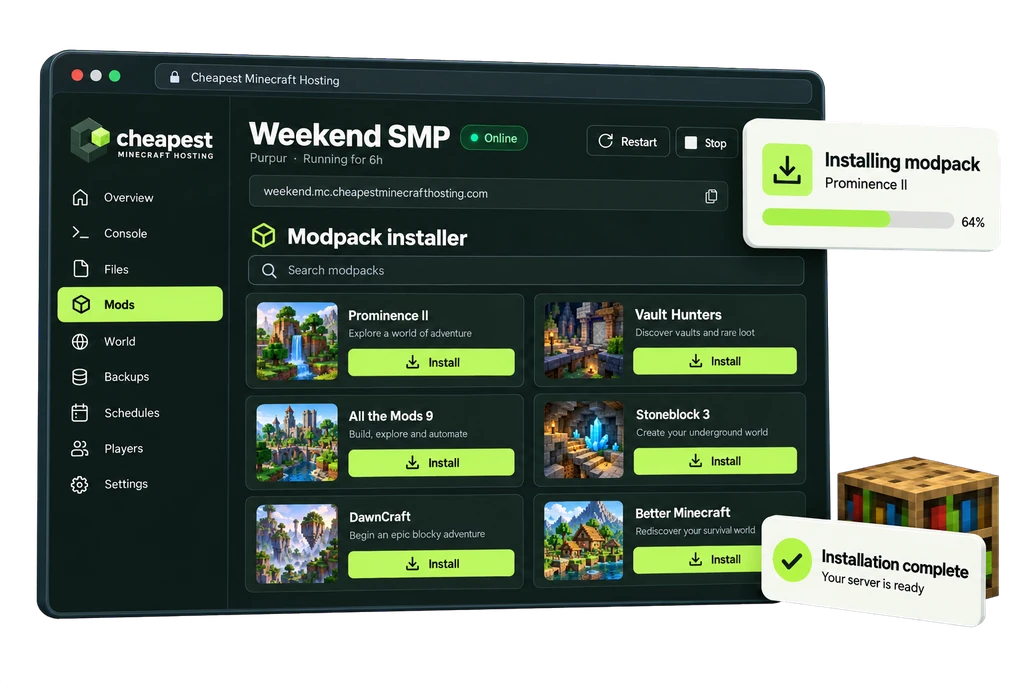
The full walkthrough with screenshots is in how to install a modpack.
OceanBlock 2 server RAM requirements
Compact Machines rooms full of machines are what move an OceanBlock 2 server to the next row.
| Players online | RAM | vCPU | NVMe storage | Price a month | Order |
|---|---|---|---|---|---|
| 1 to 3 players | 6 GB | 2 | 30 GB | €4.80 | 6 GB OceanBlock 2 server |
| 4 to 8 players | 8 GB | 2 | 40 GB | €6.40 | 8 GB OceanBlock 2 server |
| 9 to 16 players | 10 GB | 2 | 50 GB | €8.00 | 10 GB OceanBlock 2 server |
Every size costs €0.80 per GB of RAM a month. See how much RAM a Minecraft server needs for the rule behind these numbers.
Questions about OceanBlock 2 server hosting
Can several teams play OceanBlock 2 on one server?
Yes. FTB Team Bases gives each team its own base area.
Which loader does OceanBlock 2 use?
NeoForge 21.1.248 on Minecraft 1.21.1.
How much RAM for OceanBlock 2 with 8 players?
8 GB, our advice for 4 to 8 players.
Written by the Cheapest Minecraft Hosting team, first published , updated .