Astroworld
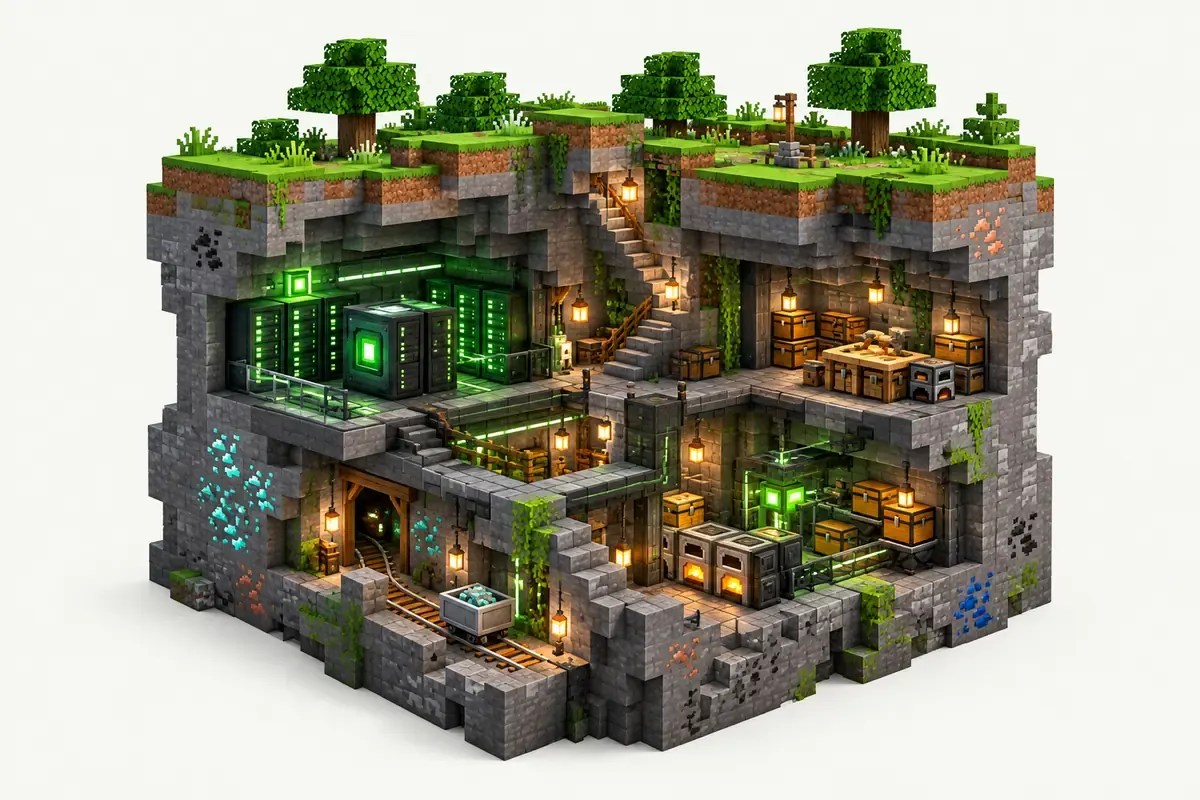
StoneBlock server facts
| Edition | Version | Minecraft | Loader | Mods | On the server | Server pack |
|---|---|---|---|---|---|---|
| FTB StoneBlock 4 | 1.22.0 | 1.21.1 | NeoForge 21.1.250 | 411 | 376 | Yes |
| FTB StoneBlock 3 | 1.11.1 | 1.18.2 | Forge 40.2.14 | 222 | 221 | Yes |
Made by Feed The Beast. Mods counted in the release files on 27 September 2026; mods that only run on a player's computer are not loaded by the server.
What is in the StoneBlock modpack
In StoneBlock the world is solid stone. Hammers turn stone into gravel, sand and dust, and the tech and magic mods take it from there.
| Edition | Minecraft | Mods | Mods to expect |
|---|---|---|---|
| StoneBlock 4 | 1.21.1, NeoForge | 411 | Mekanism, Create, Applied Energistics 2, Ender IO, Oritech, Powah, Ars Nouveau, Compact Machines |
| StoneBlock 3 | 1.18.2, Forge | 222 | Thermal, Tinkers' Construct, Immersive Engineering, Botania, Blood Magic, Refined Storage |
FTB Team Bases in StoneBlock 4 gives every team its own space in the stone.
StoneBlock server tips
- Both editions include Feed The Beast's backup mod, which saves copies inside the server folder. Remove old copies now and then so they do not fill the storage.
- Compact Machines rooms keep running while loaded. Many rooms full of machines add up.
- StoneBlock 3 installs from the FTB catalog, StoneBlock 4 from its CurseForge server pack. The installer handles both.
See back up and restore your server for the panel backups.
How to install StoneBlock on your server
- Order a NeoForge server below. Any Minecraft version is fine; the installer sets 1.21.1.
- In the control panel, open the Mods tab and go to CurseForge and FTB packs.
- Search for StoneBlock, pick the version and click Install this pack.
- Start the server in the Console tab. The first start of StoneBlock takes a few minutes; wait for
Done. - Players install the same StoneBlock version in their launcher and join with the server address.
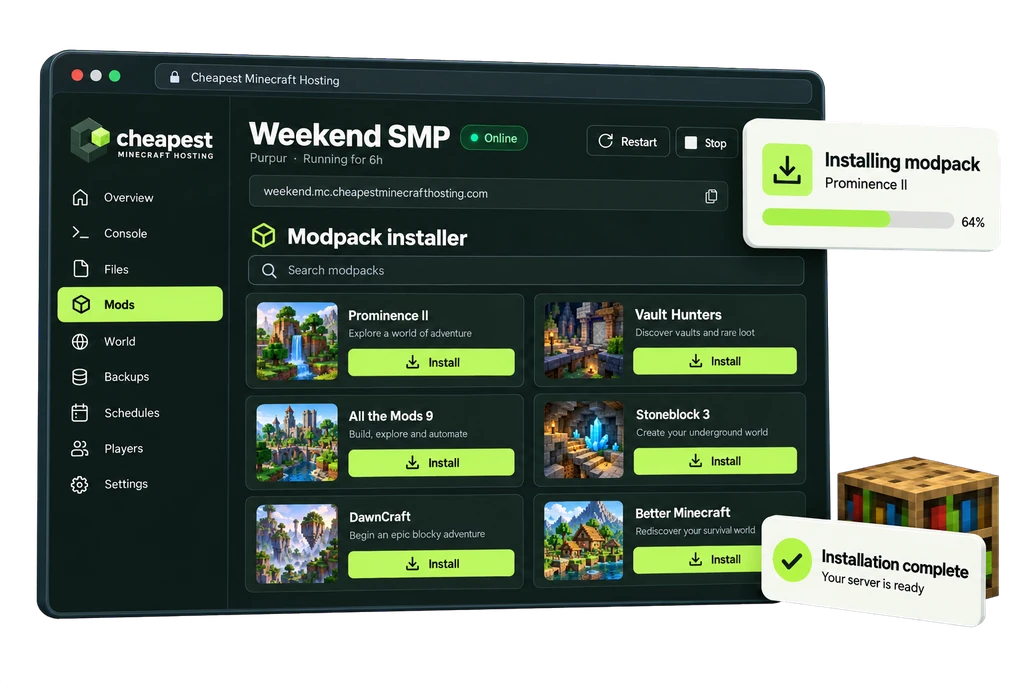
The full walkthrough with screenshots is in how to install a modpack.
StoneBlock server RAM requirements
Bases full of machines and Compact Machines rooms push a StoneBlock server up. The stone world itself is cheap to generate.
| Players online | RAM | vCPU | NVMe storage | Price a month | Order |
|---|---|---|---|---|---|
| 1 to 3 players | 6 GB | 2 | 30 GB | €4.80 | 6 GB StoneBlock server |
| 4 to 8 players | 8 GB | 2 | 40 GB | €6.40 | 8 GB StoneBlock server |
| 9 to 16 players | 11 GB | 2 | 55 GB | €8.80 | 11 GB StoneBlock server |
Every size costs €0.80 per GB of RAM a month. See how much RAM a Minecraft server needs for the rule behind these numbers.
Questions about StoneBlock server hosting
StoneBlock 4 or StoneBlock 3?
StoneBlock 4 is the current one on NeoForge 1.21.1, updated in September 2026. StoneBlock 3 stays on Forge 1.18.2. Worlds do not move between them.
What RAM does Feed The Beast recommend for StoneBlock 3?
4 GB minimum and 6 GB recommended. Our advice is the same 6 GB for up to three players and more for bigger groups.
Can teams play separately on one StoneBlock 4 server?
Yes. FTB Team Bases gives each team its own base area.
Written by the Cheapest Minecraft Hosting team, first published , updated .