
 Astroworld
Players
How to give someone access to your Minecraft server panel
Running a server together is easier when a friend can restart it while you are at work, or a moderator can check the console. Sharing your own login for that is risky: whoever has it can also change your billing and your password.
The Staff tab solves this. Each person gets their own login and only the rights you give them, and you can change or take those rights back at any time.
In short
To give someone access to your Minecraft server panel, open the Staff tab, type their email address under Invite someone, start from a role such as Moderator or Builder, adjust the switches under They may and click Send invite. They sign in with their own account and see only what you allowed, and you can change or remove that access at any time. Managing staff and billing always stay with you.
Panel staff and Minecraft game operators are not the same
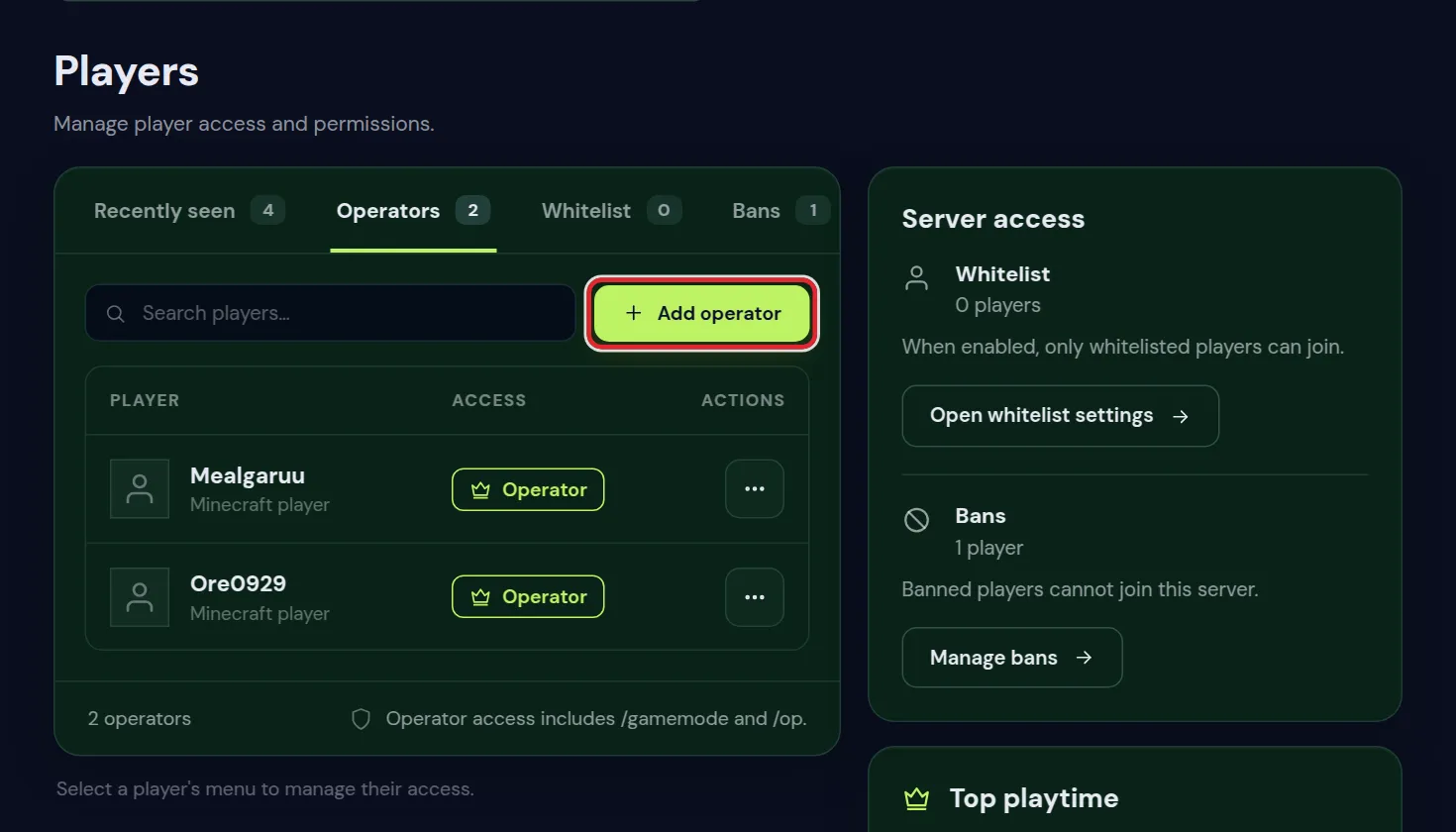
An operator has powers inside the game: commands like gamemode, teleport and ban. That is set per Minecraft name in the Players tab, see whitelist and operator levels.
Staff get into the control panel: the console, the files, the backups, the settings. That is set per email address in the Staff tab. A moderator often needs both: operator rights to deal with players in the game, and panel access to read the console when you are away.
Invite someone to your Minecraft server panel
- Open the Staff tab of your server and go to Invite someone.
- Type Their email address.
- Under Start from a role, pick the role closest to what they need. The switches under They may fill in to match.
- Change any switch you want different.
- Click Send invite.
They get an email with the invitation. Someone without an account yet makes one with that same email address to accept it. Until then the list marks them Invited; after that, Active, with the date they were last seen.
What your staff member does after the invite
- They open the invitation email and sign in, or create an account, with exactly the address you invited.
- The invitation links itself to that account, and your server shows up in their client area.
- They open the panel of your server and see the tabs their rights allow.
- They can turn on two-factor sign in for their own account, which is worth asking of anyone with console or file rights; see account settings and two-factor.
Signed up with another address than the one you invited? Then the invitation cannot find them. Invite the address they really use, and remove the old invitation.
The four staff roles in the server panel
| Role | What they may do | Good for |
|---|---|---|
| Co-admin | Everything except managing staff | A partner who runs the server with you |
| Moderator | Console, players and activity | Day to day moderation: reading chat, bans, whitelist |
| Builder | Console, files and backups, plus activity | Someone who uploads builds, schematics or configs |
| Viewer | Activity only | Someone who should see what happens but touch nothing |
A role is only a starting point. After picking one, you can switch single rights on or off.
Example staff setups for a Minecraft server team
| Who | Start from | Change |
|---|---|---|
| A friend who restarts the server when you are away | Viewer | Switch on Power and Console, so they can see why it stopped |
| A moderator for chat and griefing | Moderator | Nothing in the panel; give them a rank in the game too |
| A builder who uploads schematics | Builder | Leave World and Delete files off |
| Someone who sets up plugins for you | Builder | Switch on Plugins and Settings, and Databases if a plugin needs one |
| A partner who runs the server with you | Co-admin | Nothing; staff and billing stay yours anyway |
Start small. Adding a right later takes ten seconds, while a right that was too wide can cost a world.
Every right you can give on your Minecraft server panel
| Right | What it allows |
|---|---|
| Console | See the live output and send commands |
| Power | Start, stop and restart the server |
| Files | Browse, edit and upload files |
| Delete files | Delete files and folders |
| Plugins | Install and remove plugins |
| Mods | Install and remove server mods |
| Settings | Change server settings and startup options |
| World | Reset the world |
| Backups | Create, download and restore backups |
| Schedules | Manage automatic tasks |
| Databases | Create databases and see their passwords |
| Players | Manage operators, whitelist and bans |
| Activity | See the history of what happened |
| Copilot | Use the AI Copilot, which spends the server's credits |
| Staging | Create and manage the test copy of the server |
Give the rights that can undo a lot with care: World resets the world, Delete files removes files for good, and Backups includes restoring an old backup over the current world.
What always stays with you as the server owner
Managing staff and anything to do with billing stay with you as the owner. Nobody you invite can invite others, change someone's rights, or change or cancel your subscription, not even a co-admin.
SFTP and the server files stay with the owner
SFTP is only for the owner of the server. It reaches every file, including the ones the Files tab keeps out of reach, so staff with the Files right work in the Files tab of the panel instead. That covers uploading, editing and downloading for nearly every job.
The same goes for anything that touches money: invoices, payment methods and the plan itself are never part of a role.
Game rights for your staff: operator or a LuckPerms rank
Panel rights do nothing inside Minecraft. For the game itself there are two ways:
- Operator in the Players tab gives every command at once, from
/banto/gamemodeand/stop. Fine for a co-admin you trust fully. - A rank with LuckPerms gives only the commands you choose, such as kick, mute and ban for a moderator, without creative mode or
/op. Permissions with LuckPerms builds such a rank step by step.
Change or remove someone's access to your Minecraft server
- Click Change next to a person, adjust the switches and click Save permissions.
- Click Remove to take all of their access away at once.
- Did someone leave the team on bad terms? Remove them here, remove their operator status in Players, and check the Activity tab for what happened recently.
The Activity tab shows the history of what happened on the server, which helps when you want to know what changed while you were away.
When a staff member leaves: a security checklist
- Click Remove next to them in the Staff tab.
- Take away their operator status in Players, and their rank in LuckPerms if they had one.
- Look through the Activity tab for recent changes, and through Schedules and Plugins for anything they added.
- If they had the Files right, reset tokens kept in config files, such as the Discord bot token; link your chat to Discord shows how.
- If they had the Databases right, they have seen the database passwords, so change those too.
- Make a fresh backup once everything is clean.
Something was broken or deleted on purpose? Restore a backup from before it happened with the steps in back up and restore your server, or undo damage in the world with the block log from stop griefing.
Questions from Minecraft server owners
Can I give someone access to my Minecraft server without sharing my password?
Yes, that is what the Staff tab is for. Each person signs in with their own account and only sees the parts you allow.
Can a panel staff member invite other people?
No. Only the owner of the server manages staff, so nobody can widen their own rights or bring in someone else.
Does staff access make someone an operator in the Minecraft game?
No. Panel access and operator status are separate. Make them an operator in the Players tab if they also need commands in the game.
Can panel staff see my Minecraft server invoices?
No. Billing stays with the owner of the account.
Does the person need an account before I invite them?
No. The invitation is tied to their email address. When they sign up with that same address, it links itself to the new account and your server appears in their client area.
Can panel staff use SFTP on my Minecraft server?
No. SFTP stays with the owner, because it reaches every file on the server. Staff with the Files right upload, edit and download in the Files tab instead.
Can two people own one Minecraft server?
One account owns the server and its billing. Give the other person the Co-admin role, which allows everything except managing staff and billing.
Can my staff turn on two-factor sign in?
Yes. Every staff member has their own login and can turn on two-factor sign in for it, which is a good idea for anyone with console or file rights.
Checked against the Staff tab of our control panel, September 2026. Written by the Cheapest Minecraft Hosting team, first published , updated .