
 Astroworld
Getting started
How to change your Minecraft server address
Every server on our hosting gets a play address under mc.cheapestminecrafthosting.com, with a first part you chose when you ordered. For a shorter name, a new server name or a name without a typo, you add a second address in the control panel.
This guide covers the Play addresses card on the Settings tab: the naming rules, the messages the panel can show, the limit of 3 extra addresses and how to move players to the new name. How to join with an address is in join your Minecraft server.
In short
To change your Minecraft server address, add a new one in the Play addresses card on the Settings tab: type a name under Add another address and click Add. The new address under mc.cheapestminecrafthosting.com works within a few seconds. The old address stays on the server as the primary address, so players who saved it can still join.
What a Minecraft server address looks like on our hosting
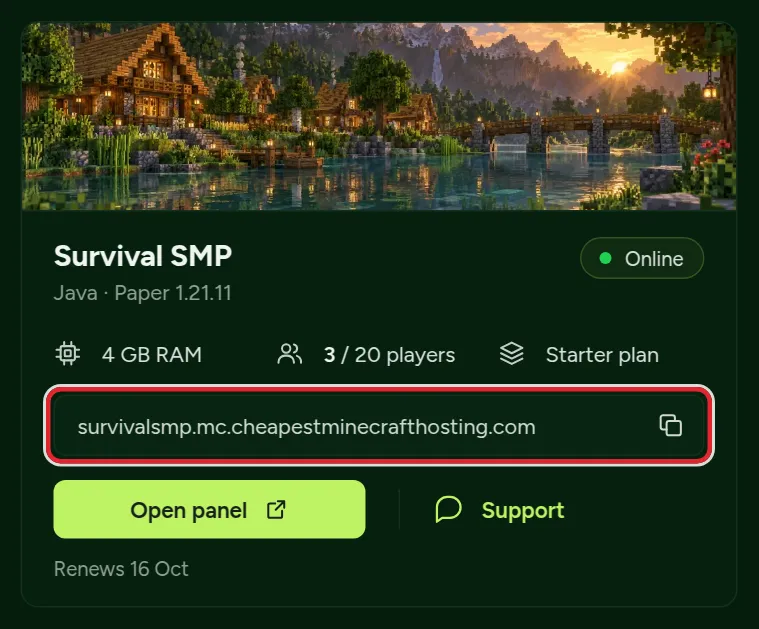
A play address has the form name.mc.cheapestminecrafthosting.com. You choose the first part; the rest is the same for every server. Java players type the address exactly as the panel shows it.
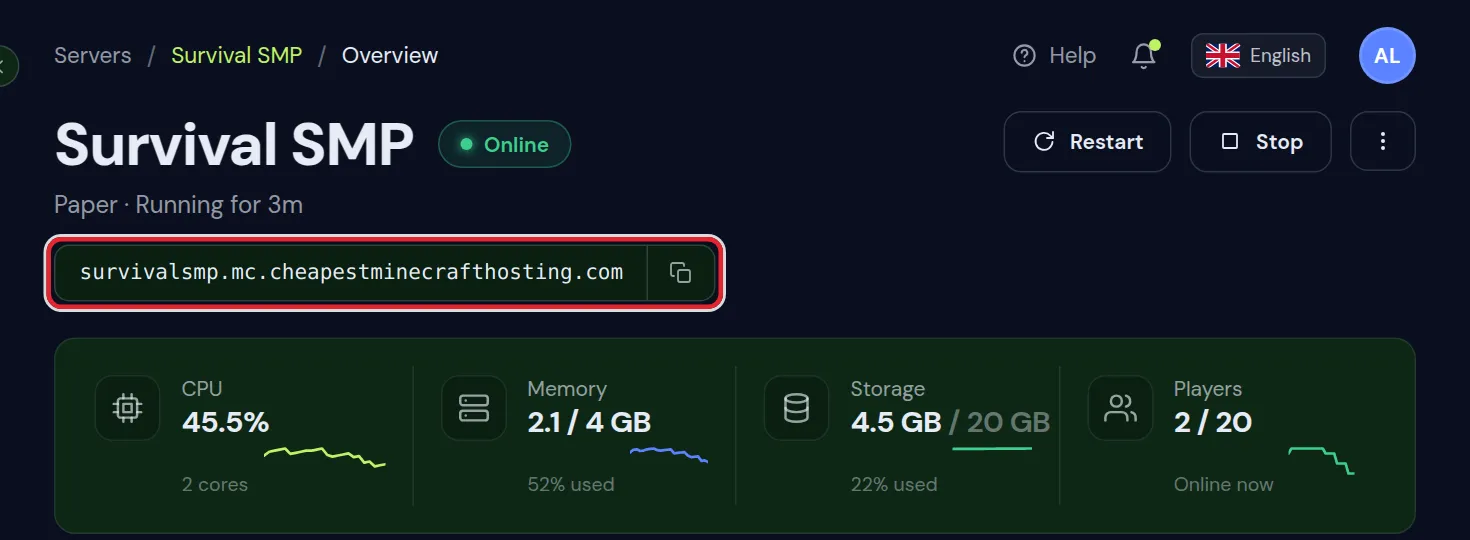
An extra address follows the same pattern, for example oaksmp.mc.cheapestminecrafthosting.com. The card offers .mc.cheapestminecrafthosting.com as the only domain, so you type the first part alone. You do not need to set up DNS records.
Can you change your Minecraft server address?
The address from your order is the primary address. The panel has no option to rename or remove it. Players have it saved in their multiplayer list, and it is in your Discord, on server lists and in the email you got when the server went live.
To use a new name, add an extra address next to it. Every address leads to the same server, the same world and the same settings.
| After you add an address | |
|---|---|
| Primary address | Keeps working and stays at the top of the panel and on the server card in your dashboard |
| World, plugins, mods and settings | Unchanged |
| Saved servers in the multiplayer list of your players | Still connect with the primary address |
| Bedrock port of a crossplay server | Unchanged |
| Whitelist, operators and bans | Unchanged, they belong to the server |
How to add a new Minecraft server address
- In your dashboard, click Open panel on the server.
- Click the Settings tab.
- Find the Play addresses card below Server identity. It lists your current address with the label Primary, followed by any extra addresses.
- Under Add another address, type the first part of the new address in the field that shows
yourname. The domain.mc.cheapestminecrafthosting.comis already selected next to it. - Click Add. The button only reacts once the name has at least 3 letters, digits or hyphens.
- A message shows the full new address followed by works now, and the address appears in the list with its own copy button.
Read the address in the message before you share it. The panel writes the name in lower case and leaves out spaces and symbols, so Oak SMP! becomes oaksmp.
The server owner can always add an address. A person you gave access to the panel needs the Settings permission; give someone access to your server shows where to switch it on.
Minecraft server address naming rules
These are the rules the panel applies to the first part of the address:
| Rule | How the panel applies it | Example |
|---|---|---|
| Lower case | Capital letters are turned into lower case | OakSMP becomes oaksmp |
| Letters a to z, digits 0 to 9 and hyphens | Spaces, underscores, dots, accented letters and other symbols are left out | Oak_SMP 2 becomes oaksmp2, Café becomes caf |
| At least 3 characters | Counted after spaces and symbols are left out | ab! is too short |
| At most 24 characters | Counted on what you type, spaces and symbols included | 25 typed characters is too long, even when some are spaces |
| No hyphen at the start or end | A hyphen in the middle is fine | oak-smp works, oak- does not |
| Not a reserved name | Only the exact name is blocked | play is refused, playoak works |
| No offensive words | Checked anywhere inside the name | See the word filter below |
| Not in use | No other server may have the name as its primary or extra address | First come, first served |
Reserved names
Some names are kept for our own use, among them play, panel, admin, support, staff, billing, shop, store, status, help, mail, www, test and dev. For these the panel answers That one is ours. Try another.
Names refused by the word filter
A name with an offensive word in it gets the message Pick something we can put on a server address. Before it checks, the filter reads digits as the letters they look like (0 as o, 1 as i, 3 as e, 4 as a, 5 as s, 7 as t, 8 as b), ignores hyphens and counts a doubled letter once. A changed spelling of the same word is refused as well.
Because the filter searches inside the name, a few ordinary words are refused too, for example spike, canal, torpedo and essex. Pick another word in that case.
Tips for a good Minecraft server address
- Keep it short. Players type it by hand, and every extra character is a chance for a typo.
- Pick a name players can type after hearing it once in voice chat.
- A hyphen has to be spelled out loud:
oak-smpis read as oak hyphen smp. - Avoid digits next to letters that look like them, such as 0 next to o or 1 next to l.
Error messages when you add a Minecraft server address
| Message | What it means | What to do |
|---|---|---|
| At least 3 characters. | Fewer than 3 letters, digits or hyphens are left after cleanup | Use a longer name |
| At most 24 characters. | You typed more than 24 characters | Shorten it, and remove spaces you do not need |
| A name cannot start or end with a hyphen. | The first or last character is a hyphen | Move or remove the hyphen |
| That one is ours. Try another. | The name is reserved | Pick another name, or add a word to it |
| Pick something we can put on a server address. | The word filter matched part of the name | Pick another word |
| Taken. Try another. | Another server already uses this name | Try a variation |
| You already have this address. | The name is already on this server | Nothing to do, it works |
| That address was just taken. | Someone else claimed the same name at the same moment | Pick another name |
| This server has no play address yet. | The server has not finished its setup | Try again once the server has started for the first time |
| This server does not run behind our address router, so we set extra addresses by hand. Ask support. | Extra addresses for this server are added by our team | Send the name you want to support |
| We cannot reach the address router right now. | The system that routes addresses did not answer | Try again later, and contact support if the message stays |
| Could not add the address. Try again in a minute. | The address router did not confirm the new name | Try again in a minute |
How many addresses a Minecraft server can have
Each server can have 3 extra addresses next to the primary one, so 4 in total. Below the Add button the card counts down, for example 2 more addresses available.
With all 3 in use, the input field is gone and the card says You are using all 3 extra addresses. Ask support if you need another one.
The card has no button to remove an extra address. Once added, it stays on the server, so choose the name before you click Add.
Move your players to the new Minecraft server address
Players with the primary address saved can carry on as before. To get everyone on the new name:
- Copy the new address with its copy button in the Play addresses card.
- Post it in your Discord or group chat, and say that the old address also still works.
- Replace the address on server lists and on your website.
- Put the new address in the MOTD, the text under your server in the multiplayer list. Players who still use the old entry see it there. Server icon and MOTD shows how to edit it.
Update a saved server in Minecraft Java
- Open Multiplayer and click the server once to select it.
- Click Edit.
- Replace the text in Server Address with the new address.
- Click Done.
Bedrock players on a crossplay server keep joining with the address and Bedrock port the panel shows. Java and Bedrock crossplay explains that port.
Server address, dashboard name and MOTD: the difference
A Minecraft server has several names, and each one is set in its own place:
| Name | Where it is set | Who sees it |
|---|---|---|
| Play address | Settings tab, Play addresses card | Players, in the Server Address field |
| Dashboard name | Settings tab, Server identity card | You, in your server list |
| MOTD | motd in server.properties | Players, under the server in the multiplayer list |
| Server Name in Minecraft | Each player, in Add Server or Edit | Only that player |
Typing a new Dashboard name leaves the play address as it is. A player who renamed your server in their own list still connects through the address behind it.
New Minecraft server address does not work
The new address works a few seconds after the confirmation. If players still cannot join with it:
- Compare the address letter by letter with the one in the Play addresses card. Copying it from the card avoids typos.
- Try the primary address. If that fails too, the server is stopped or still starting; can't connect to your server goes through the causes.
- If only the new address fails, send it to support. Technical support answers 24/7.
Questions from Minecraft server owners
Can I change my Minecraft server address without losing players?
Yes. Add the new name in the Play addresses card on the Settings tab. Players who saved the old address still reach the server, and you share the new one from then on.
Can I delete my old Minecraft server address?
No. The primary address stays on the server, so links in Discord, server list entries and saved servers keep working.
Why is my Minecraft server address name not allowed?
It is a reserved name such as play or admin, another server uses it, or it contains a word from the filter. The filter also catches some ordinary words, such as spike. Try another word.
How long does a new Minecraft server address take to work?
A few seconds. The panel sets up the name as soon as you click Add, and no DNS change is needed.
Does adding an address restart my Minecraft server?
No. The server keeps running and players who are online stay connected.
Can an extra address point to a different server?
No. An address leads to the server whose panel you added it in. Each server has its own Play addresses card and its own 3 extra addresses.
Can I use capital letters or spaces in my server address?
The panel turns capitals into lower case and leaves spaces out, so My Server becomes myserver. The result is shown in the confirmation message.
Checked against the Settings tab of our control panel and Minecraft Java 26.2, October 2026. Written by the Cheapest Minecraft Hosting team, first published , updated .